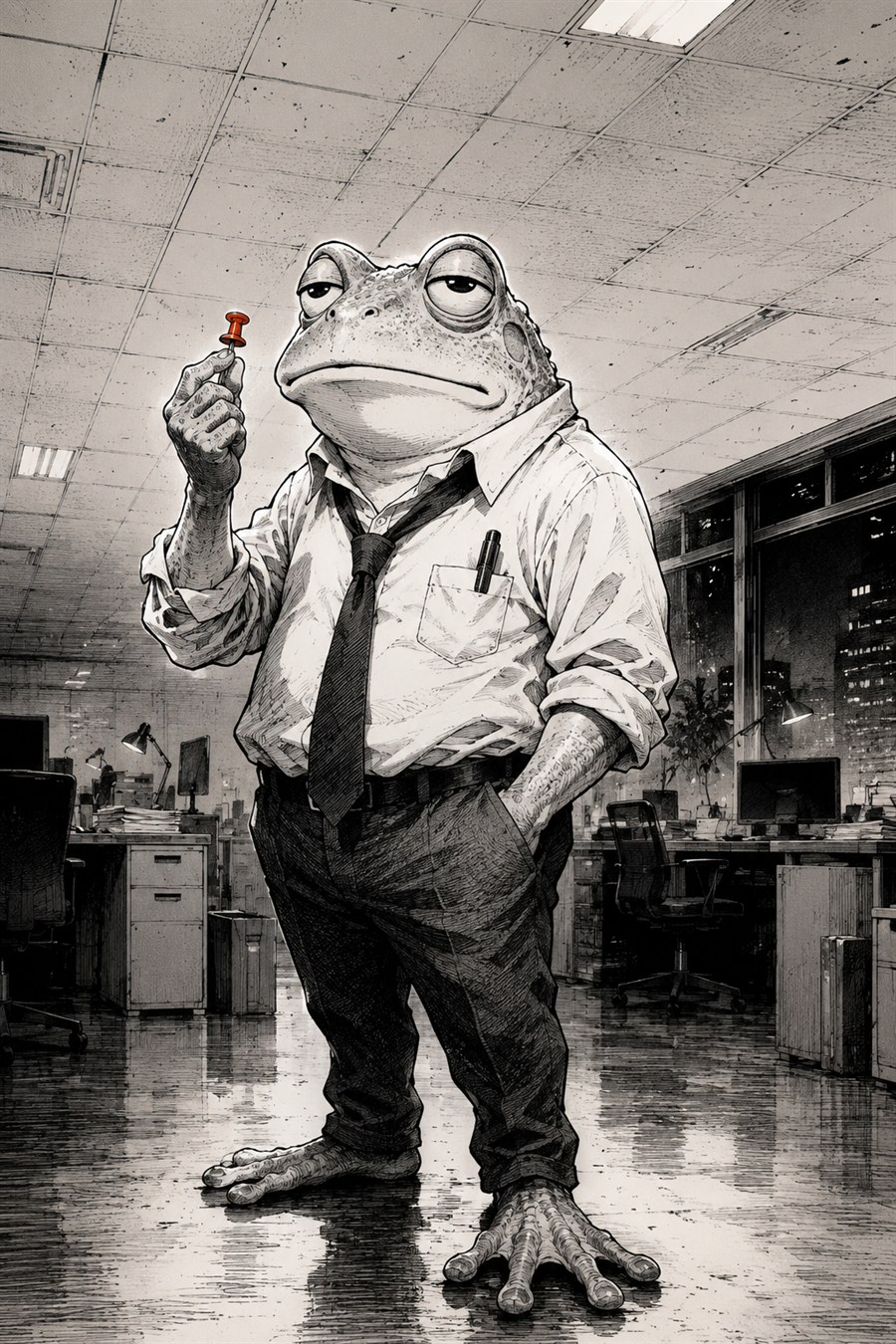
Say it right on
the screenshot.

PNGkitch is an annotation tool that adds arrows, text, frames, and blur to your screen captures in seconds. Files save as ordinary PNGs — yet reopen in PNGkitch with every annotation still editable. We call it the Editable PNG.
The pinkitch frog character
Today's Pin-kichi (changes on reload)

Try it Preview

This is the real PNGkitch. Pick an arrow or pen from the toolbar and draw away — all Pro features are unlocked in the demo.

Switching clears your annotations

The demo currently requires an access key while PNGkitch is in development; the gate will be removed at launch. If it doesn't load, try opening it in a new tab.

Features

Capture, annotate, share — in the fewest possible steps.

Editable PNG Free

Your file is a standard PNG that displays anywhere. Reopen it in PNGkitch and every annotation comes back as an editable object. Tool details →

Annotation tools

Everything you need for annotations, instructions, and manual screenshots, added in seconds: arrows, text, frames, pen and highlighter, numbered badges (any single emoji works as the mark), drop shadows. Just as handy for quick text on social posts.

Nothing is sent to a server

The images you add or edit and the contents of your annotations are never uploaded to a server. Your personal data and confidential business information stay with you.

Share safely

Mask sensitive parts for good with solid black or white redaction (free). Blur and pixelate (Pro) hide things beautifully.

Tiny screenshots, handled

Very small captures are upscaled by a whole-number factor on open, so your annotations never look oversized. Draw past the edge and the canvas grows to fit — you can start an arrow outside the image.

Fast by keyboard

Nearly every action has a keyboard shortcut, so annotating stays quick.
Shortcut list →

See what every tool does →

Free / Pro

Free lets you touch every Pro feature. Using one puts a watermark on screen and on export, and blocks saving as an Editable PNG (JPEG export still works, watermarked). Undo the Pro edit and you can save normally again.

The Free plan character

Free

$0

  • All core annotation tools: arrows, text, frames, pen, numbered badges (emoji included)
  • Black & white redaction (privacy is free, always)
  • Freeform crop & canvas auto-fit
  • Adjusting what you placed (the gizmo around a selected object)
  • Save and re-edit Editable PNGs
Use it free
The Pro plan character

Pro

Pricing coming soon (shown in Polar Checkout)

  • Everything in Free
  • Toolbar color & size, text alignment, object align
  • Drop shadows & text boxes (incl. frosted glass)
  • Serif & rounded / handwriting fonts
  • Blur & pixelate
  • Crop presets (aspect ratios & fixed pixels)
  • Watermark-free export
Coming soon

Sales and payments are handled by Polar Software, Inc., acting as Merchant of Record.

Download In development

Desktop apps for Windows and macOS are in development. For now, use the web app.

🌐

Web

No install needed — runs in your browser.
app-pngkitch.pinkitch.com

🖥️

Windows

With built-in screen capture. In development.

🍎

macOS

With built-in screen capture. In development.